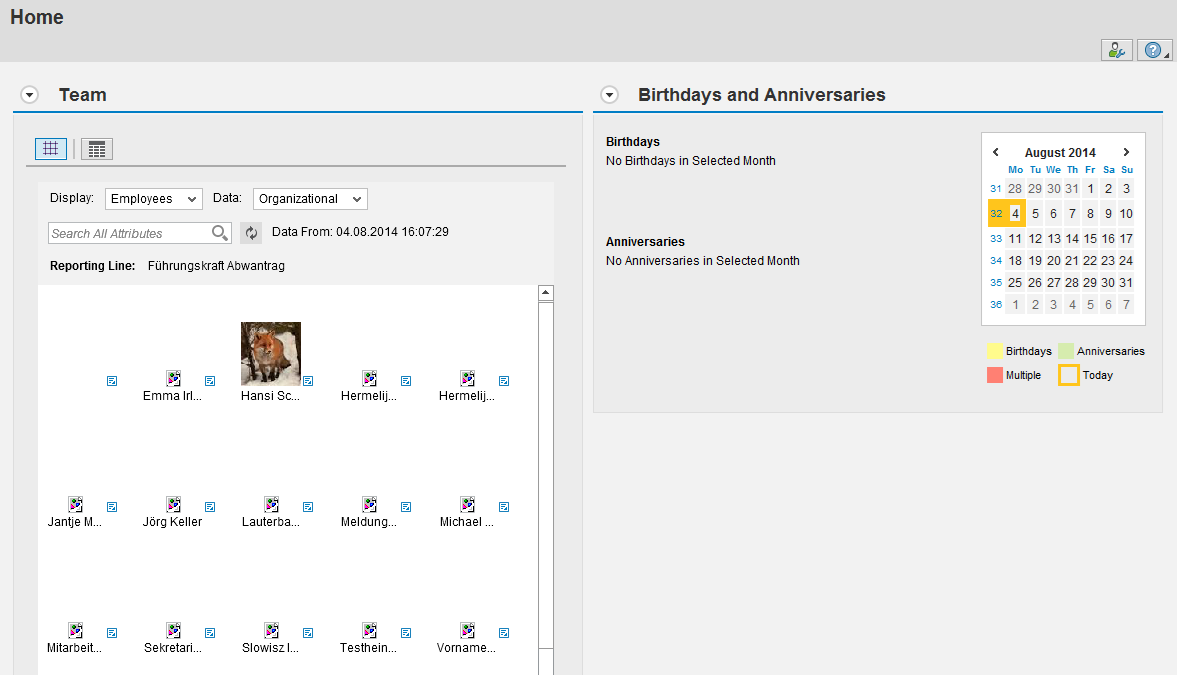
Are you using the MSS Homepage and have you set up a custom component configuration for the team hierarchy (component HRMSS_TEAM_HIERARCHY)? In that case you may experience the problem that the team hiearchy isn’t displayed full size anymore after the upgrade to Enhancement Package 7. 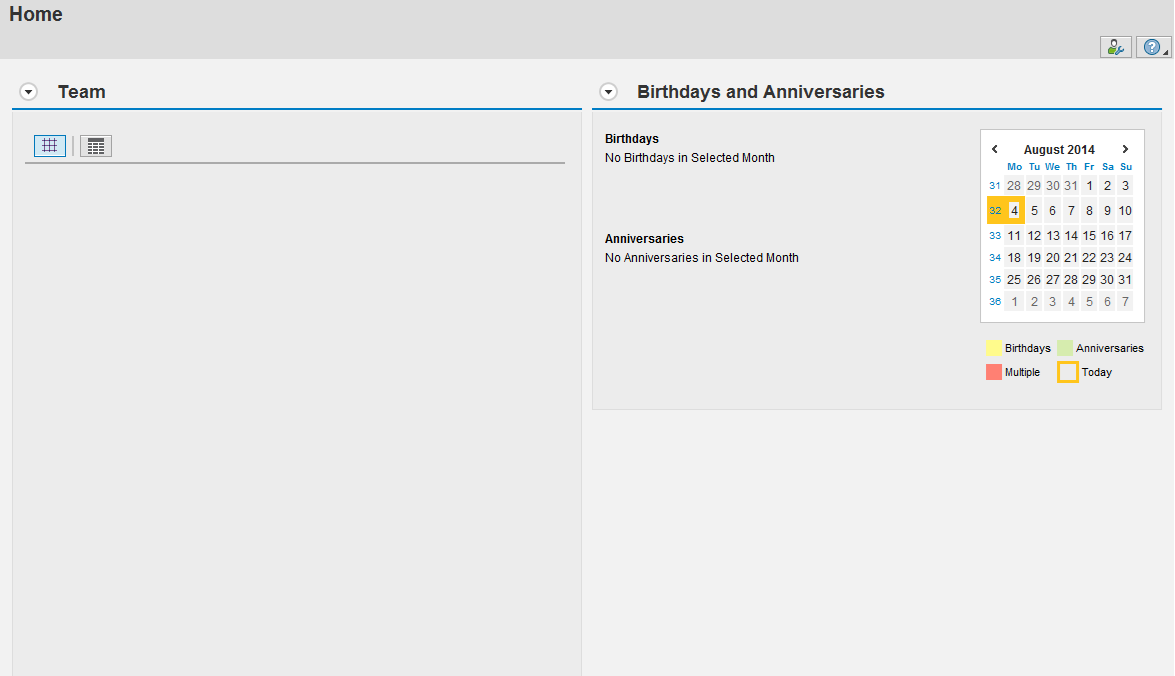
The reason for this is: with EHP7 the system expects the value 100% in the attribute „flashHeight“ of the context element „flashHeight“ in the component configuration of component HRMSS_TEAM_HIERARCHY. If the value is less than 100%, it won’t be displayed full size and if the value is initial, it won’t even display anything.
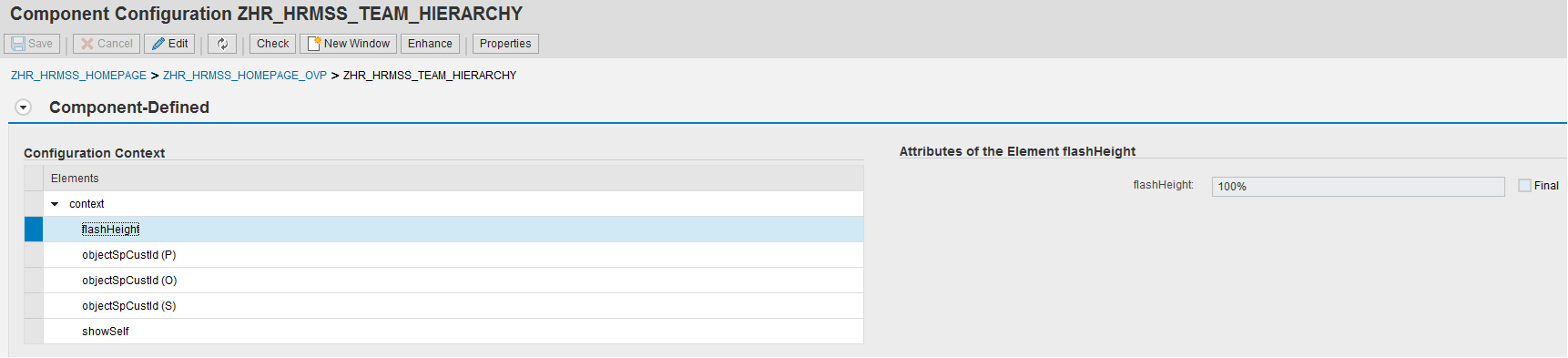
The best way to deal with the problem is therefore to set the value to 100%. Then the team hierarchy will be displayed as shown below.